Text Area
A Text Area has the same options as the textfield form component. The difference is that it will be a multi-line input field that allows for longer text. The Text Area can also be utilized as a CK Editor WYSIWYG for the end user which is configured within the component settings.
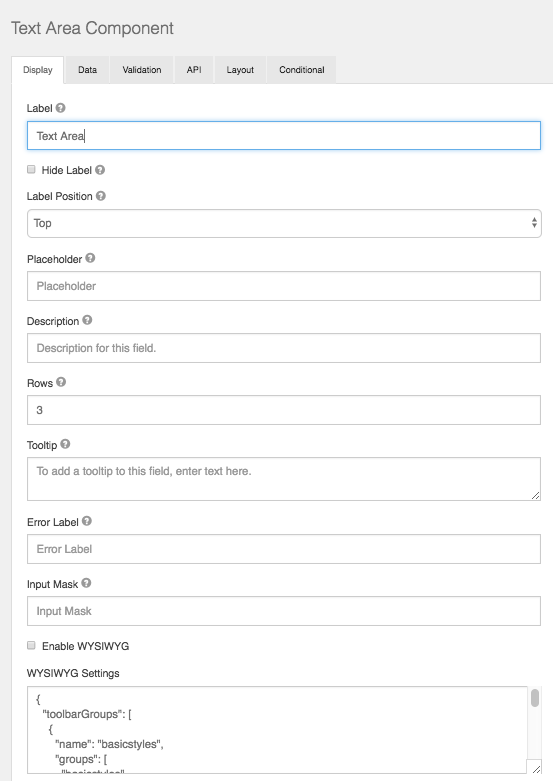
Rows
This allows control over how many rows are visible in the text area.
Enable WYSIWYG
This setting will turn the Text Area into a user interface WYSIWYG using the famous CK Editor.
WYSIWYG Settings
Here you can modify the code base of the wysiwyg to customize the UI specific to your needs.