CSA Date / Time
The CSA Date/Time component allows users to add a date picker, time picker or date and time picker to a form. It also includes additional validation options (under the Validation tab), constraining the user-selected date to be within a specific range.
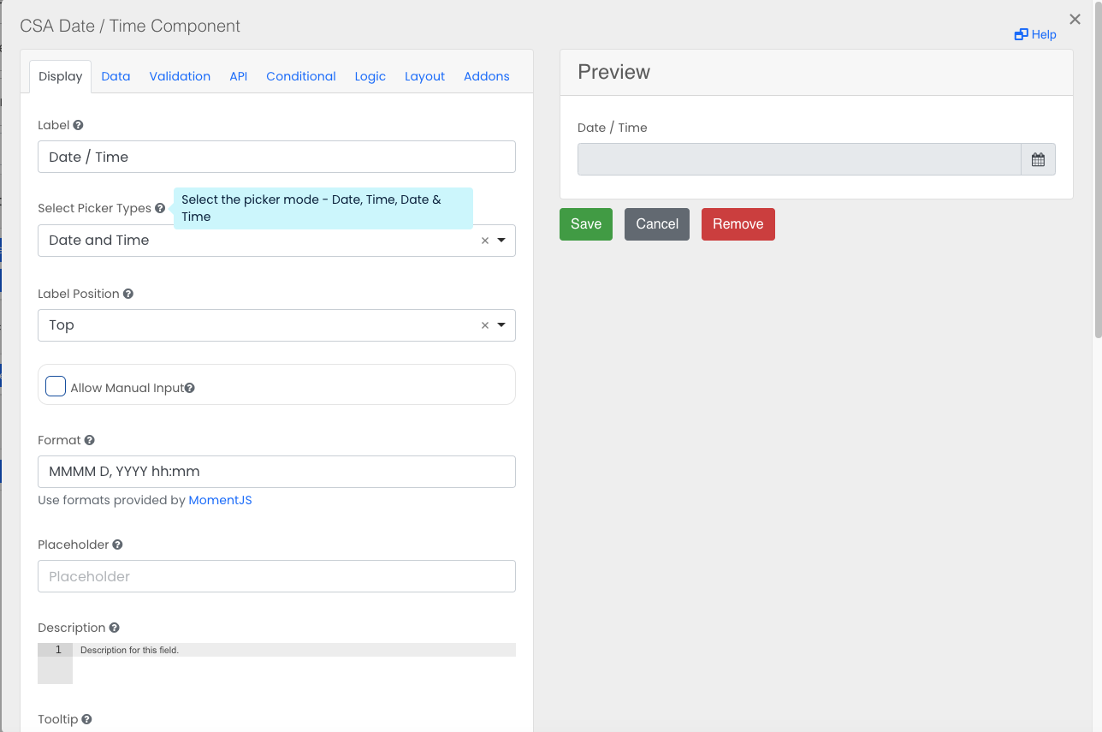
Select Picker Type
Select a picker mode - Date,Time, Date & Time.
Select Date Limits
Set validation limits. Default is ‘any date’ (no limits), and can pick before or after the current date.
Select Date Units
Select the duration units for the validation (hours, days, weeks, months).
Specify number of days etc.
Set the number of hours/days/weeks/months before or after the current date. The user selected date must be within this range.